
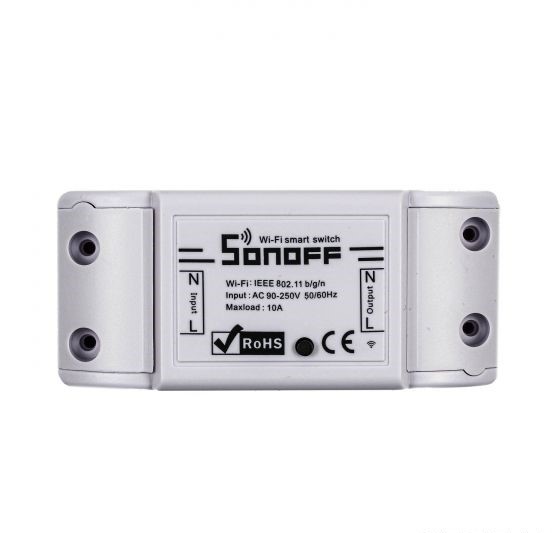
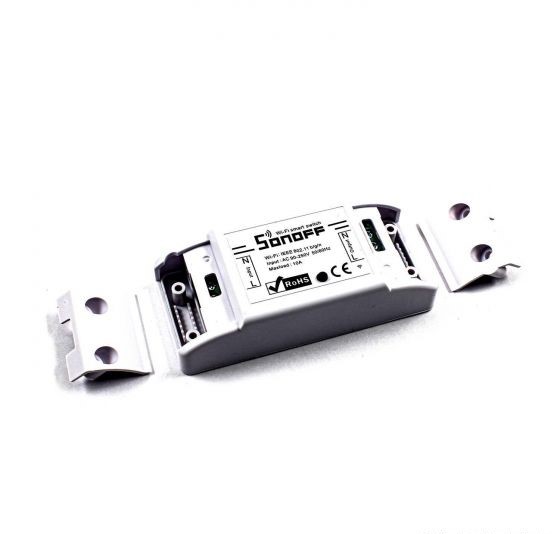
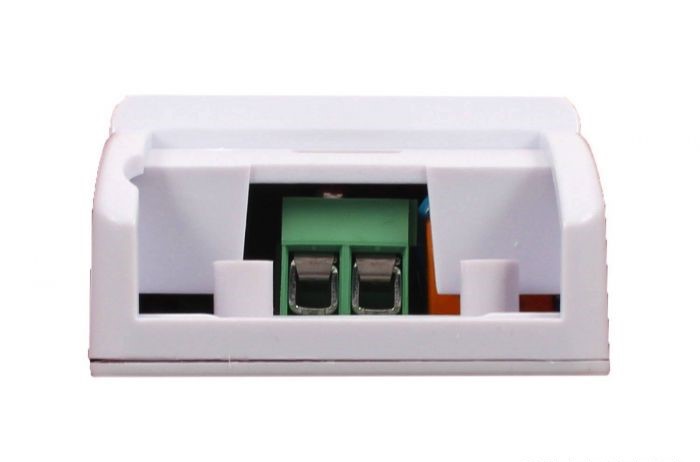
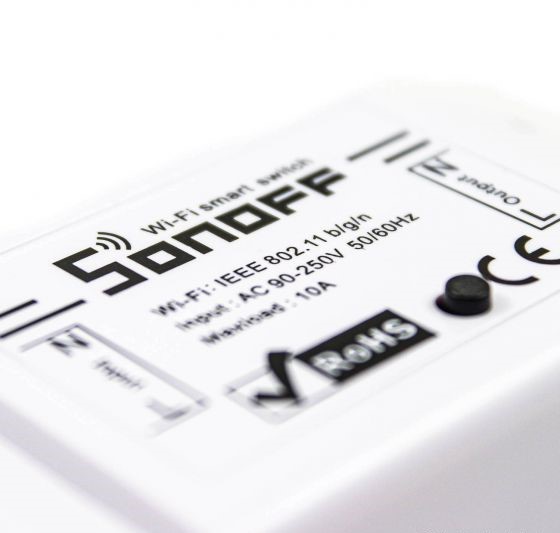

SONOFF WiFi Wireless Smart Relay Switch (R2)
- Delivered today (order Mon-Fri before 12:00, delivery between 17:00 and 22:00)
- Including shipping costs, sent by blonwe.com
- Pick up at a blonwe.com collection point is possible
- 7 days to change your mind and free returns
- Day and night customer service
Description
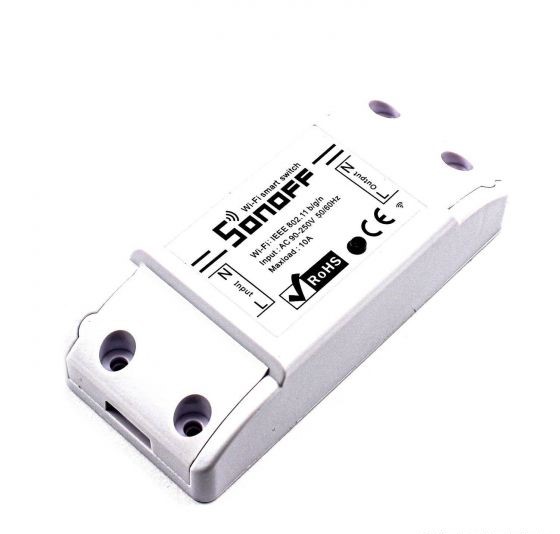
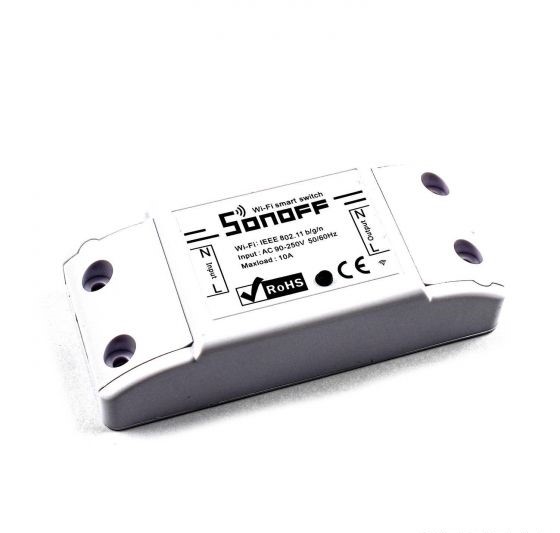
The SONOFF WiFi Wireless Smart Relay Switch is a versatile smart home device designed to provide convenient control over various electrical appliances and devices remotely. Developed by SONOFF, a leading brand in smart home technology, this relay switch integrates seamlessly into your home automation setup, offering enhanced convenience, energy efficiency, and security.
Specification of CNC 3018 Pro Engraving Machine Kit:
- Channel: Single Channel
- Input Voltage : 100V ~ 240V AC, 50/60Hz, 10A
- Maximum Power: 2200W
- Enclosure Material: Fire-retardant ABS V0
- Wireless Standard: WiFi 11 b/g/n 2.4GHz
- Security Mechanism: WPA-PSK/WPA2-PSK
- Cloud mode: default mode is connecting to the eWeLink cloud
- Local area network mode: yes, if the connection with the eWeLink cloud is disconnected, limited features
- REST API support: yes, instead of eWeLink app and cloud it can communicate through REST API
- MQTT support: No
- Supported integrations: Amazon Echo, Echo Dot, Amazon Tap, Google Home, Google Nest, IFTTT (IFTTT integration with subscription, Premium feature), REST API
- Schedulers, timers: yes, 8 timings on the device in offline mode, (loop control supported), any further timing can be run from the cloud in online mode
- History: yes: on/off history in the app
- Momentary switch: Yes
- Physical on/off button: Yes
- Power consumption metering: No
- RF/ radio control (433.92MHz): No
- Operating Temperature: 0ºC ~ 40ºC
- Operating Humidity: 5% ~ 90%RH, Non-condensing
- Color: White
- Size: 88mm x 38mm x 22mm (LxWxH)
- Weight: 60g
Steps to start using SONOFF basic R2 Wi-Fi wireless switch
To start using the SONOFF Basic R2 WiFi Wireless Switch, follow these steps:
- Check Compatibility: Verify that your electrical appliances or devices are compatible with the SONOFF Basic R2 switch. Ensure they operate within the switch's power rating and specifications.
- Download the eWeLink App: Install the eWeLink mobile app on your smartphone or tablet. You can find the app on the App Store (for iOS devices) or Google Play Store (for Android devices). Create an account or log in if you already have one.
- Power off Appliances: Before installation, ensure that the electrical appliances or devices you intend to connect to the SONOFF switch are powered off and unplugged for safety.
- Connect SONOFF Basic R2: Plug the SONOFF Basic R2 switch into a standard electrical outlet or wall socket. Ensure the switch has access to a stable power supply.
- Pair with eWeLink App:
- Open the eWeLink app on your smartphone or tablet.
- Follow the on-screen instructions to add a new device.
- Select "Quick Pairing" or "AP Mode" in the app, depending on your preference and network setup.
- Follow the prompts to connect the SONOFF Basic R2 switch to your WiFi network. You may need to enter your WiFi network credentials during this process.
- Test Connection: Once the SONOFF switch is successfully connected to your WiFi network, test its functionality within the eWeLink app. Use the app to turn the connected appliances or devices on and off remotely.
- Optional: Voice Assistant Integration: If desired, integrate the SONOFF Basic R2 switch with popular voice assistants like Amazon Alexa or Google Assistant for hands-free control. Follow the respective integration instructions provided by the eWeLink app.
- Set Up Schedules and Automation: Explore the scheduling and automation features within the eWeLink app to set timers or create routines for your connected devices. This allows you to automate tasks and manage energy usage more efficiently.
- Safety Precautions: Always adhere to safety precautions when installing and using electrical devices. Ensure proper wiring and avoid overloading circuits.
By following these steps, you can effectively set up and start using the SONOFF Basic R2 WiFi Wireless Switch to control your home appliances and devices remotely, enhancing convenience and efficiency in your smart home environment.
FAQs about SONOFF basic R2 Wi-Fi wireless switch
What is the SONOFF Basic R2 Wi-Fi Wireless Switch?
The SONOFF Basic R2 is a smart switch that allows you to remotely control electrical appliances or devices using your smartphone or tablet via Wi-Fi.
How does the SONOFF Basic R2 switch work?
The switch connects to your home Wi-Fi network and communicates with the eWeLink mobile app, enabling you to turn connected devices on or off remotely.
Is the SONOFF Basic R2 switch easy to install?
Yes, installation is relatively straightforward. Simply plug the switch into a standard electrical outlet or wall socket and follow the setup instructions provided in the eWeLink app.
What devices can I control with the SONOFF Basic R2 switch?
You can control a wide range of electrical appliances and devices, including lamps, fans, heaters, air conditioners, and more, as long as they operate within the switch's power rating.
Can I use the SONOFF Basic R2 switch with multiple devices?
Yes, you can use one SONOFF switch to control multiple devices by connecting them to a power strip or extension cord.
Can I control the SONOFF Basic R2 switch when I'm away from home?
Yes, you can control the SONOFF Basic R2 switch remotely, even when you're away from home. The SONOFF Basic R2 switch is a Wi-Fi-enabled smart switch that can be controlled through the eWeLink app on your smartphone or tablet. As long as your SONOFF device is connected to your home Wi-Fi network and properly set up within the eWeLink app, you can control it from anywhere with an internet connection.
Is the SONOFF Basic R2 switch compatible with my existing smart home setup?
The switch is compatible with the eWeLink app, which allows for integration with other smart home devices and platforms. It also supports voice assistants like Amazon Alexa and Google Assistant for added convenience.
Is the SONOFF Basic R2 switch safe to use?
Yes, the switch is designed with safety features such as overload protection. However, it's essential to follow proper installation and usage guidelines to ensure safety.
Can I customize or extend the functionality of the SONOFF Basic R2 switch?
Yes, advanced users can explore DIY options such as flashing custom firmware to unlock additional functionalities and customization possibilities.
Related products